
 Newsletter: join thousands of other people
Once a month we'll send you an email with news, research and thoughts, as well as training courses and free webinars you may wish to attend.
Our websites:


Posted by Craig McConnell on the 12th May, 2026
Video gaming is an incredibly popular hobby/activity for a huge variety of different people. There are games in every genre, that are pitched at every age range. They have developed from simple coloured pixels bouncing off each other to vast sprawling 3D worlds that you can spend hours getting lost in. Some video games encourage cooperative gameplay, while others are perfect for competing against friends and family either online or while sitting on the same couch.
Video games have become so intrinsic in our lives that many readers will still remember why choosing Oddjob in GoldenEye was considered cheating, the petty joy of locking a butler in a fridge, or how a simple "blue shell" could end a friendship. Without adapting the access to these games many people living with a disability are missing out on not only the enjoyment of playing the games themselves but also the social aspects that go along side them. Conversations in the playground about favourite new skins in Fortnite, or references to a world built in Minecraft for example could leave those not able to successfully access games feeling left out or on the periphery.
.png)
Accessibility in video games is improving however, with all the major consoles now providing their own adapted controllers that allow for switch access. For this example, I used Microsoft's Xbox adaptive controller, although the Playstation 5 access controller and the Nintendo Switch Flex controller would work in a similar fashion. They all allow users to plug in their own switches and use them in place of the small, sometimes hard to reach, buttons on the controllers. Similarly the games themselves are becoming more accessible with major game companies are also offering more accessible features in their products. These features include high contrast modes, closed captions, skippable quick time events (these are sections in games that require the user to press the correct buttons at the correct time), remappable buttons and the ability to turn off repeated clicks or the need to hold buttons down during gameplay. These adaptations are opening the world of video gaming to a much wider audience and allowing more and more gamers to access some of the biggest, best known and most popular games available today.
.jpeg)
While exploring accessibility in video games I found that EA sports FC26 (formally FIFA) scored highly on various accessible gaming comparison websites. It has a vast array of accessibility settings that can change how the game looks (including a high contrast mode), the speed of play as well as subtitle options than can allow the user to change the size and colour of the words as they are displayed on screen. The settings that were most important to a recent client however was the option to simplify/reduce the number of inputs required to play the game. In fact, somewhat ironically, it is as video games became more advanced that access may have become more difficult. Playing classics like Super Mario Bros or Sonic the hedgehog used to require a few buttons to make the heroes run and jump across the screen. Now most games rely on controllers that include 13 buttons and two thumbsticks (which can also act as two more additional buttons) to successfully navigate and interact with the world.
At the main screen open the settings menu and navigate to Customise Controls menu. From there you can change the layout of the buttons going through Classic, Alternative, two button and one button. The two-button option (used in this example) gives the user the ability to shoot and pass when they have the ball and tackle or slide when without. Using the one button setting will have all these actions performed by using one input instead. These changes require the game to recognise where the player is on the pitch and predicts what they want to do next. Both these layouts still require some input from the thumb/joystick to make the players move. For the client discussed here this was done by a partner who would use the standard controller to move the players around the pitch. There are also options to turn on shooting assist, which will automatically shoot when the player enters the 6-yard box with the ball. These settings can be changed or toggled on and off mid-game so it was something we could change if our user became tired or sore from moving quickly from one switch to another. (Note the one or two button configurations cannot be used for competitive online gameplay.)
Using the Xbox adaptive controller, I plugged the users existing head switches into the corresponding ports for the buttons that control passing and shooting (A and B respectively). The Xbox adaptive controller can pair with the Xbox wirelessly so there were no issues with stretching wires or becoming a tangled mess. It can also link wirelessly to an existing Xbox controller so the partner again wasn’t becoming intertwined with the main user. Setting the controller to assist required a few extra steps as detailed below.
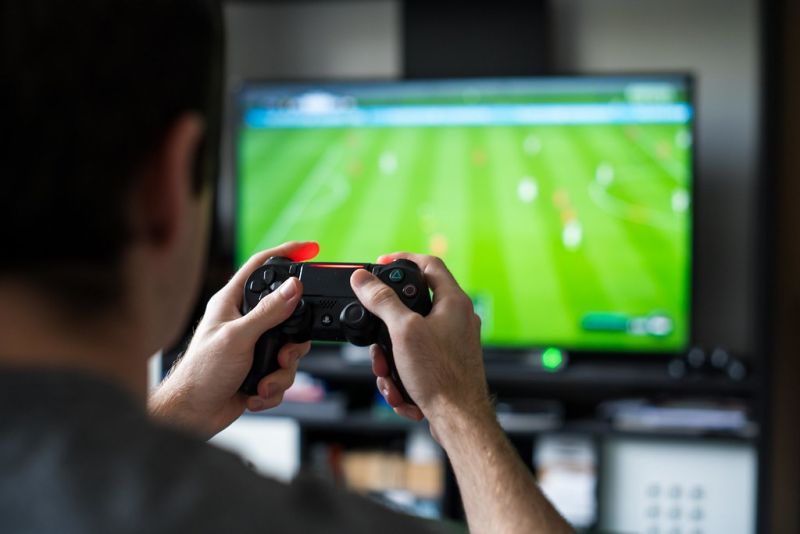
The above set up enabled a user using two head switches and a partner to assist with the movement to access a full game with success. Using two head switches as repeatedly as this can prove tiring so there was also the option to change the settings to one button. The Xbox adaptive controller also allows larger, stand-alone joysticks to be plugged in that would allow some users to control the movement themselves while still using the switch inputs to shoot and pass.
The world of accessibility in video games is a vast one and one that we will continue to explore, test and build our knowledge in. Keep an eye on our blogs to stay up to date with everything we are working on here at CALL Scotland.
Newsletter: join thousands of other peopleOnce a month we'll send you an email with news, research and thoughts, as well as training courses and free webinars you may wish to attend.
Our social media sites - YouTube, Twitter and Facebook